
WIC Online Education
Families can complete online education classes at their own pace through WIC’s online nutrition education portal, wichealth.org, available only to WIC participants.
Learn and connect with other parents through live Zoom classes on topics such as healthy eating, child growth, and family wellness. Classes are offered in English and Spanish.
How to sign up for wichealth.org
Your first time visiting wichealth.org you will need to click the red Sign Up button to create an account. You will need the following information to register a new wichealth.org account:
- State – California
- Agency – PHFE
- Clinic – Select the WIC office nearest to you
- Family ID – Check the CA WIC App for your 9 digit Family ID. In the CA WIC App, click the 3 lines in the top left corner to open the menu. Your Family ID will be at the top of the menu.
When you have all of your information to sign up, follow the steps in this video to create your account.
Remember to keep your username and password somewhere safe. You will use them when you log in for future visits.
After you have signed up, select ‘Start Lesson’ to begin an online class!


Reasons why you’ll love wichealth.org:
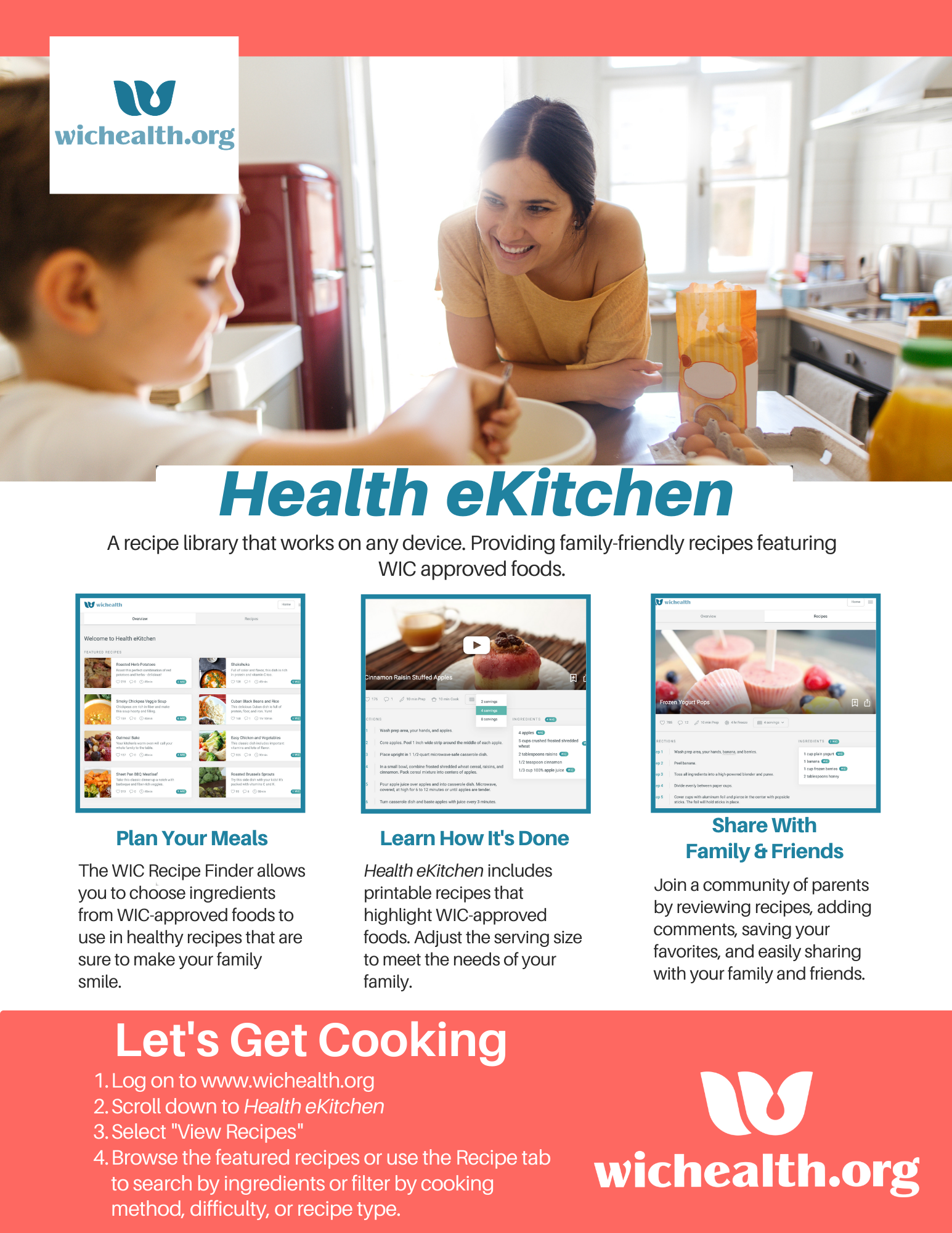
- Kid-approved healthy recipesin the Health eKitchen portal!
- Lessons and articles about nutrition and health topics for the whole family.
- Size NEW lessons added that focus on preparing families for their newborn baby and what to expect after the delivery.
- Community blog to share lessons learned and connect with other parents.

Frequently Asked Questions (FAQs)
I forgot my username/password. What should I do?
If you have previously visited wichealth.org, click ‘Trouble Signing In?’ or ‘Forgot your username or password’ to reset your information. If this is your first time using wichealth.org, click Sign Up to create an account!
When should I take a lesson?
Anytime! You are welcome to access wichealth.org and any of its features at your convenience. Complete your class appointment on your own by taking 1 or more lessons when you receive an appointment reminder text or phone call. If you prefer to connect with other parents, join a WIC Group Class on Zoom instead! Check out this month’s schedule and details to find a class time that works best for you.
How do I update my clinic/agency information on wichealth.org
- Go to wichealth.org, and click the orange Log In button.
- Click on Edit Profile on the right side of the screen, or click Update My Profile.
- Select your new clinic from the Clinic drop-down menu.
- Click Update to save.
Need further assistance? Text 91997!