

WIC Shopping Guide
Shopping for WIC Foods
Before you head to the grocery store with your WIC Card, learn about where to shop and what you can buy with this WIC shopping guide.
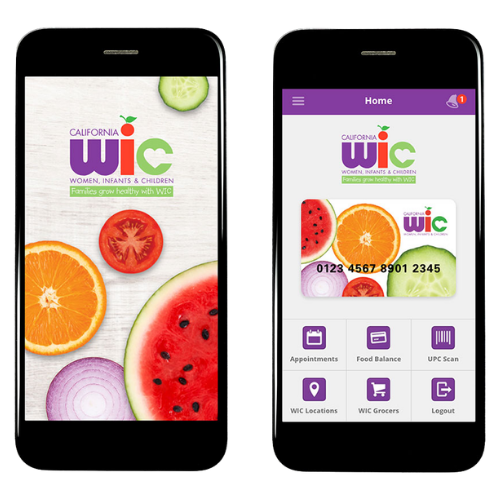
Update the CA WIC App to see the new WIC food changes.
The CA WIC app will need to be updated in order to see the new WIC food changes.
Check your WIC app to see when you can start shopping for your new foods. Use the food scanner to find WIC-approved items.
Get Your WIC Card
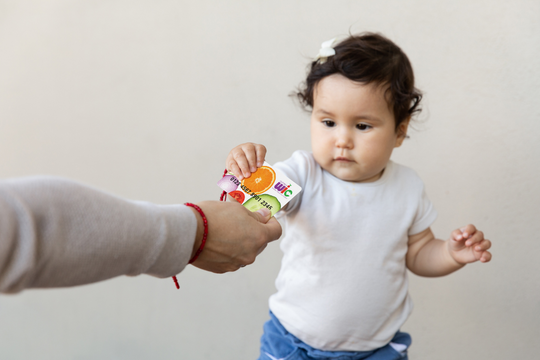
You will receive your WIC card by mail or at a WIC office. If you sign up by phone or video, your card will be mailed to you. If you enroll at a WIC office, you will get your card the same day. The WIC program provides monthly benefits to purchase healthy foods at most grocery stores. Not everything at the grocery store is eligible for purchase with your WIC Card. If your WIC card is lost or damaged, contact us for a replacement.
Find a WIC-Authorized Grocery Store or WIC-Approved Farmers’ Market
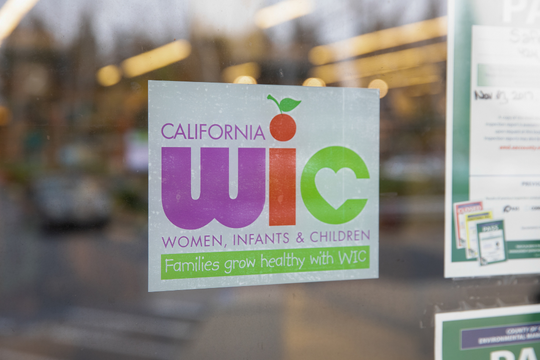
Stores that accept the WIC card have a WIC logo on the front window. To find WIC-authorized grocery stores near you in California, visit myfamily.wic.ca.gov or search your zip code in the WIC Grocers section of the California WIC App.
A new California WIC card with a quick-response (QR) code allows families to use their cash value benefit for fruits and vegetables at participating farmers’ markets year-round.
Foods You Can Buy
The WIC food list includes vegetables and fruits, milk, eggs, beans, peanut butter, cheese, yogurt, canned fish, baby food, infant WIC-approved cereal, WIC baby formula, and whole-grain foods such as rice, bread, cereal, tortillas, and pasta.
Your WIC-eligible foods will vary based on your child’s age, medical needs, and your preferences. Soy milk, lactose-free milk, and other options are also available for your WIC items.
Understand Your WIC Foods in Ounces
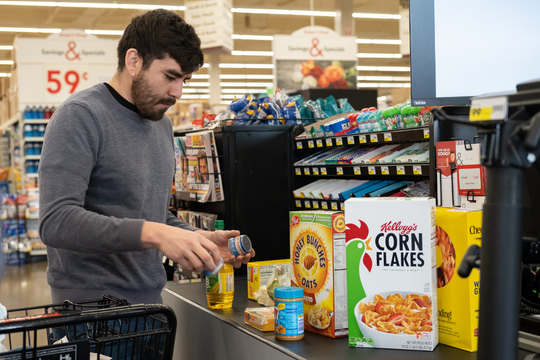
Whole grains, cheese, yogurt, cereal, tofu, and juice benefits appear on your WIC Food Benefits list in ounces. Use this guide to help you purchase the right amount of food issued in ounces to get the most from your benefits.


Shopping Tips
Check your WIC Food Balance.
There are several ways to check your WIC food balance:
- Use the California WIC App to check your food balance
- Call the number on the back of your WIC card: (844) 469-3264
- Ask the store’s cashier or customer service desk to print out your WIC Food Balance
- Look at your store receipt from your last shopping trip
Take your WIC card to the grocery store.
You will need your physical WIC card at every transaction. The CA WIC app is a helpful tool for tracking your benefit balance and verifying WIC-eligible foods, but it does not currently support mobile payments or online shopping.
Look for the WIC logo.
Look for the WIC logo on the front window of grocery stores to know where to shop. Most stores will also have the WIC logo on store shelves to help you easily find WIC foods or use the food scan feature in the CA WIC App.
Pay with your WIC card before using CalFresh.
Many families who qualify for WIC also qualify for CalFresh (also known as Supplemental Nutrition Assistance Program or SNAP). Get the most out of both programs by paying with your WIC card first at the grocery store. Then, pay for the rest of your groceries using your CalFresh card. Using your cards in this order will make sure you do not use your CalFresh benefits to buy WIC foods.