

California WIC Card
and WIC App
WIC food benefits are added each month onto a reusable California WIC card. All family benefits are combined on one card which works like a debit card.
To make shopping even easier, download the California WIC App to get all the information you need.
Getting Started with your WIC Card
Families who qualify for WIC will receive a WIC card by mail or can pick one up at their local WIC office.
Families can shop at WIC-authorized grocery stores using the magnetic stripe on the back. The QR code in front allows families to shop for their fruit and vegetable benefits at WIC-approved farmers’ markets. You can shop for all of your foods at once or just a few at a time.
Watch the WIC Card Video to learn how to use your new WIC card, check your food balance, and shop with ease.
Before shopping, choose a 4-digit PIN that’s easy for you to remember but hard for others to guess. If you enter the wrong PIN three times, your card will lock until midnight.
Need help with your WIC card? Call (844) 469-3264 to reset it.
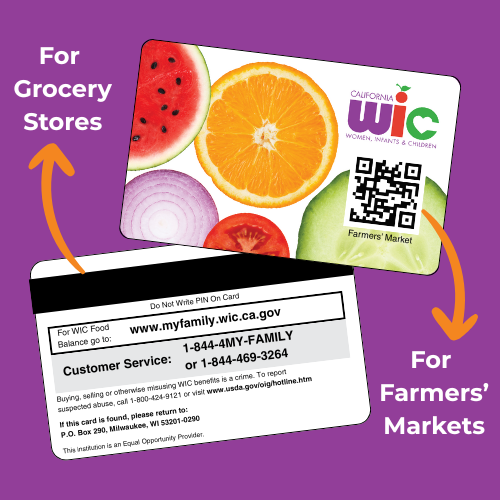
Here’s what you need to know:
- The magnetic stripe on the back can only be used for transactions at WIC-authorized grocery store
- The QR code on the front is only for farmers’ market transactions and can be used to purchase fruit and vegetable benefits year-round
- For more information, visit myfamily.wic.ca.gov
How to Replace your WIC Card
PHFE WIC families can fill out the WIC Card Request Form to request the new card with a QR code or have misplaced, damaged, or stolen California WIC cards replaced.
You can expect to receive your new card within 5 business days upon request.
Download the California WIC App
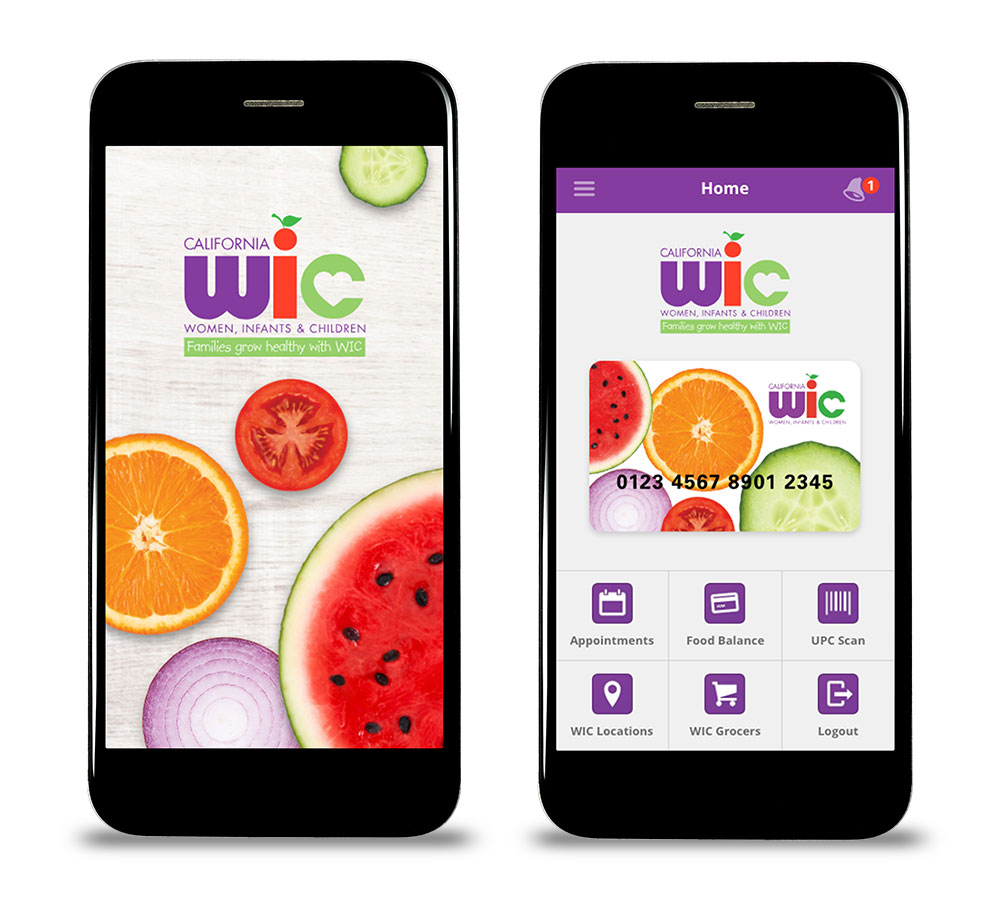
User-friendly Features
- Food Balance screen includes a display of your available food balance.
- WIC Food Scan linked with your food balance. Use the scanner to quickly identify which foods you can buy with your benefits.
- Appointment screen lists the documents you will need for your upcoming phone appointment, and more.
- Locations of WIC Stores and WIC Clinics across the State of California.
WIC App Set-Up Guide for iPhone and Android
Download the helpful guidance sheets to install the WIC App on Android phones and iPhones.


Can’t Log In to the WIC App?
Forgot My Password
- Click Forgot Password
- Enter your Email Address, WIC Card Number, Birth Date, and Zip Code
- Create a new password
Forgot My Email
- Click Register
- Enter your Email Address, WIC Card Number, Birth Date, and Zip Code. If you do not have an email address you can make one up. Nothing will be sent to that email address.
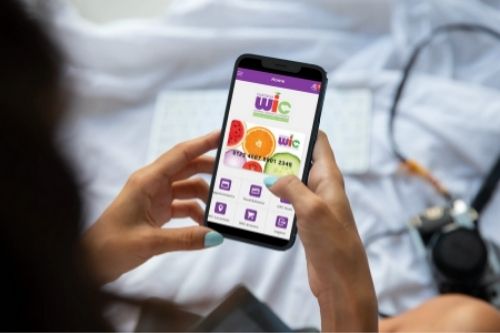
For WIC app or shopping support, please call (800) 852-5770. To check your food balance or reset your PIN, call (844) 469-3264.